CalNative Booking connects to your Google Calendar and turns it into a beautiful, fully branded booking widget — embedded natively on your WordPress site. Real-time availability from Google. Your design, your domain, no ugly iframes.
You already use Google Calendar to manage your schedule. It's reliable, familiar, and syncs across every device you own. The problem isn't Google Calendar — the problem is what happens when you try to put a booking page on your website.
Option A: The iframe embed. Drop the standard Google Calendar embed onto a page and watch your brand disappear into a gray, rigid block that looks nothing like your site.
Option B: A third-party booking platform. Subscription tools cost $15–$40 per month, redirect your clients to a subdomain that doesn't match your brand, and hold your booking data on their servers.
CalNative takes a third path: it connects directly to your Google Calendar via API, reads your real availability, and renders a pixel-perfect booking widget inside your own WordPress page.
The standard embed is fixed-width, gray, and unmistakably Google. You can't change the font, color, or layout. CalNative reads the same calendar data but renders a widget that matches your site completely.
At $20/month that's $240 a year for a tool you might use on one or two pages. CalNative is a flat $39/year — no per-seat pricing, no feature tiers.
Redirect-based booking tools send visitors to a subdomain in someone else's colors. CalNative keeps the entire booking experience on your domain, in your brand.
Full scheduling suites bundle staff rotas, POS modules, and inventory management you'll never use. CalNative loads only where the shortcode is placed.
No add-on packs. No tier unlocks. Everything below is included in the standard $39/year license.
Connects to your Google Calendar via API. Available slots are calculated in real time — any event you create manually blocks that slot automatically. Bookings appear in your Google Calendar the moment they are confirmed.
Renders as native HTML inside your page using your fonts and colors. No iframe, no Google branding bleeding through. Control every visual detail from the Settings panel.
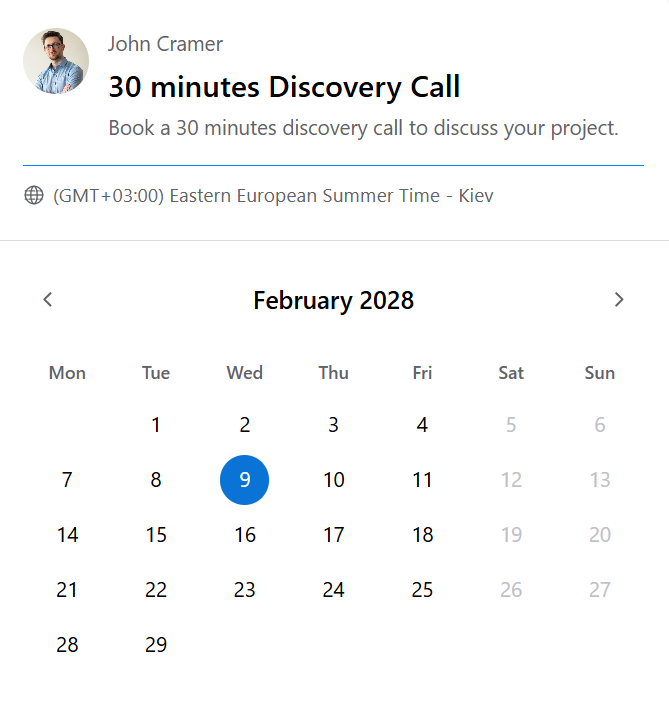
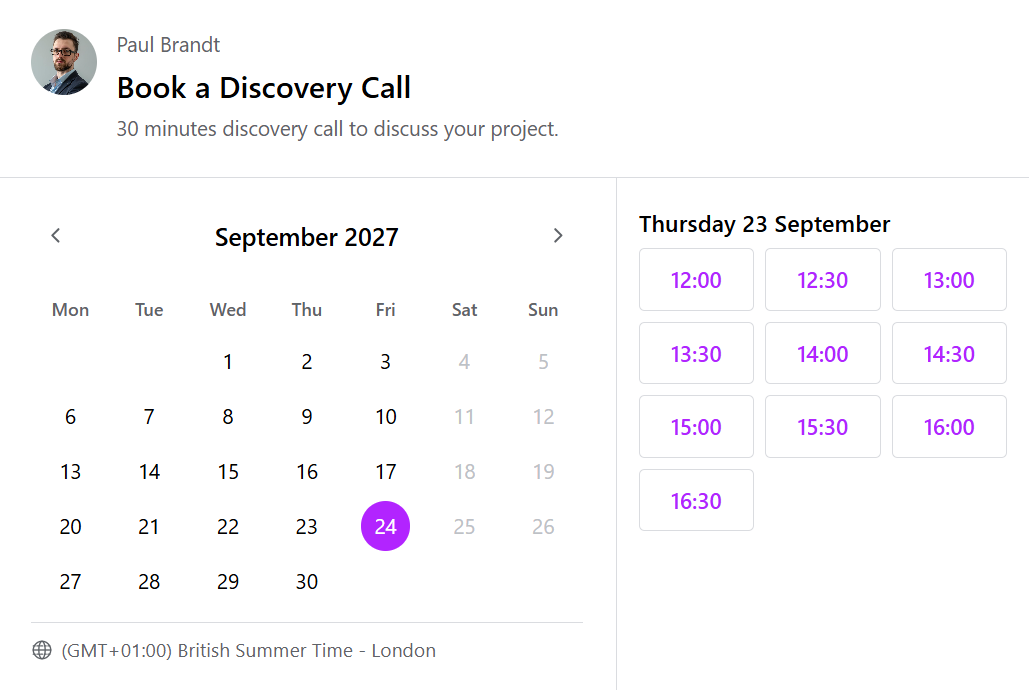
A clean, step-by-step booking flow your clients complete in under 60 seconds. Date → available time slot → confirmation. No page reloads.
Set your slot duration, buffer time, and how far ahead clients can book — all from a single settings screen. Your Google Calendar availability does the rest automatically.
See all past and upcoming bookings in a searchable, filterable table. Filter by status, search by name or email, and review notes — without ever opening Google Calendar.
Built-in rate limiting prevents the same visitor from flooding your calendar with fake bookings. No CAPTCHA plugin required.
Automatic confirmation emails go to both the client and the administrator the moment a booking is made or canceled. The client email includes a one-click cancellation link. Optional reminders go out before each appointment, with the video link included.
Clients can cancel via the link in their confirmation email — no account, no login needed. The Google Calendar event is deleted and the slot becomes available again immediately.
Classic — date then time. Picker — minimal date-only footprint. Combined — calendar and slots side by side. Switch in Settings with no code changes.
Complete checkout to receive your license key and plugin ZIP by email. Upload it through Plugins → Add New, activate, then follow the Freemius prompt to connect your license and enable automatic updates.
Paste your Google Calendar ID and upload your service account credentials. The setup guide walks you through this in under ten minutes — you only do it once.
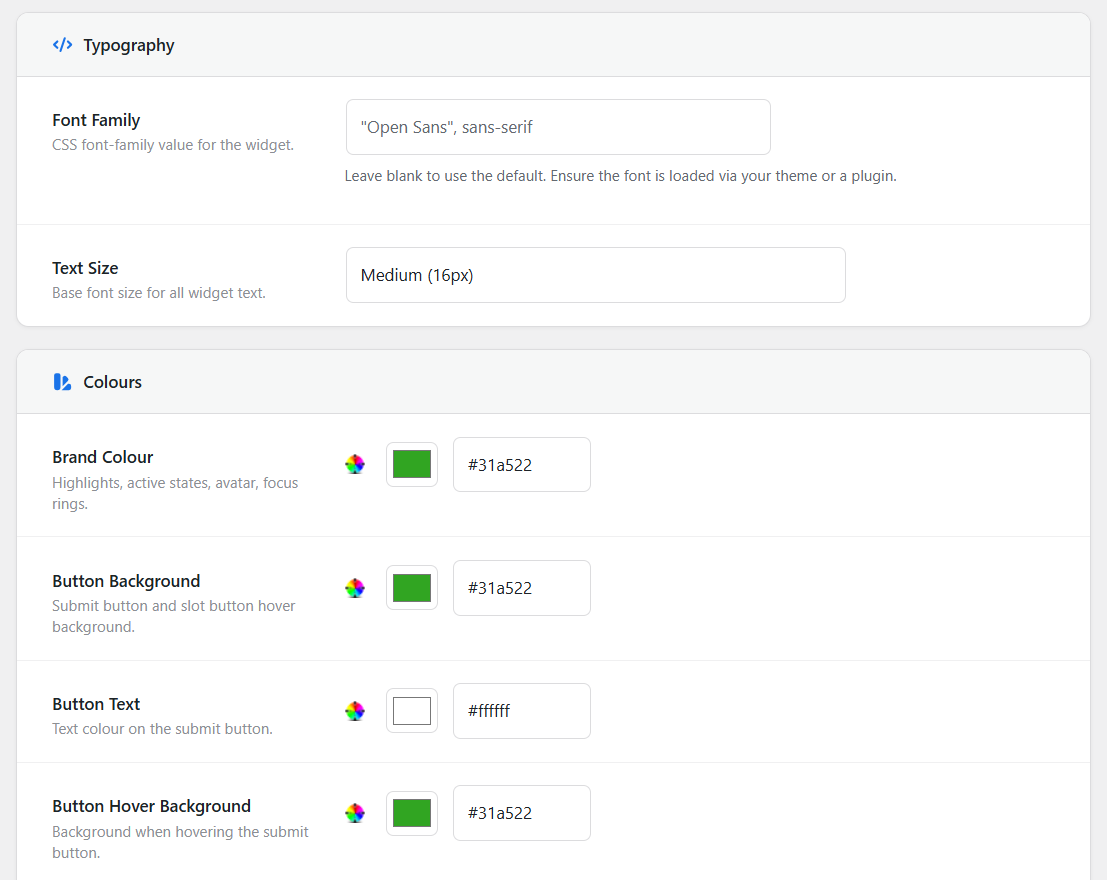
Choose slot duration, buffer time, booking window, and how your widget looks. Color, font size, border radius — all yours to set.
Paste [calnative_booking] onto any page. The widget appears immediately.
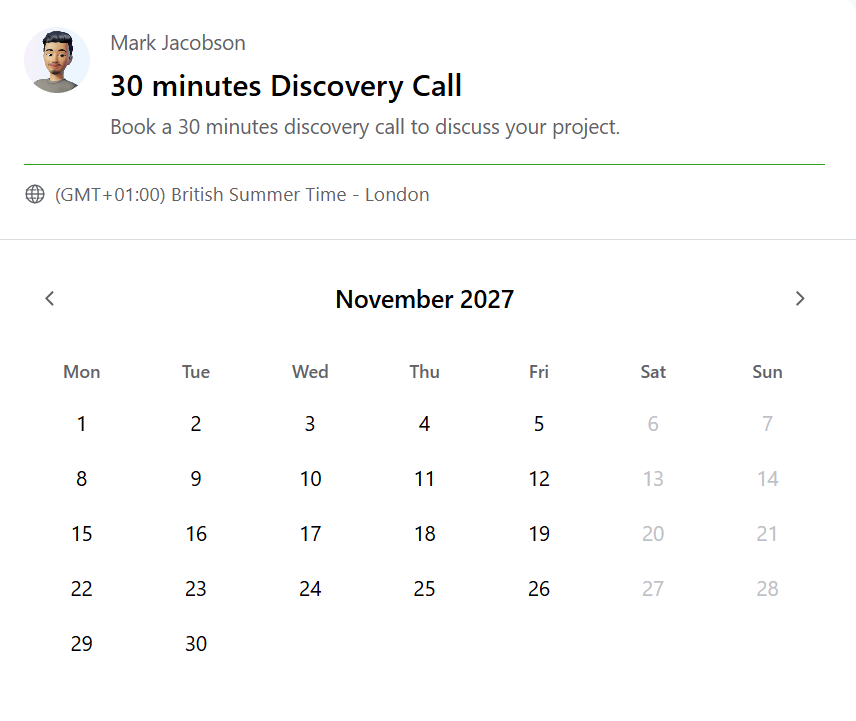
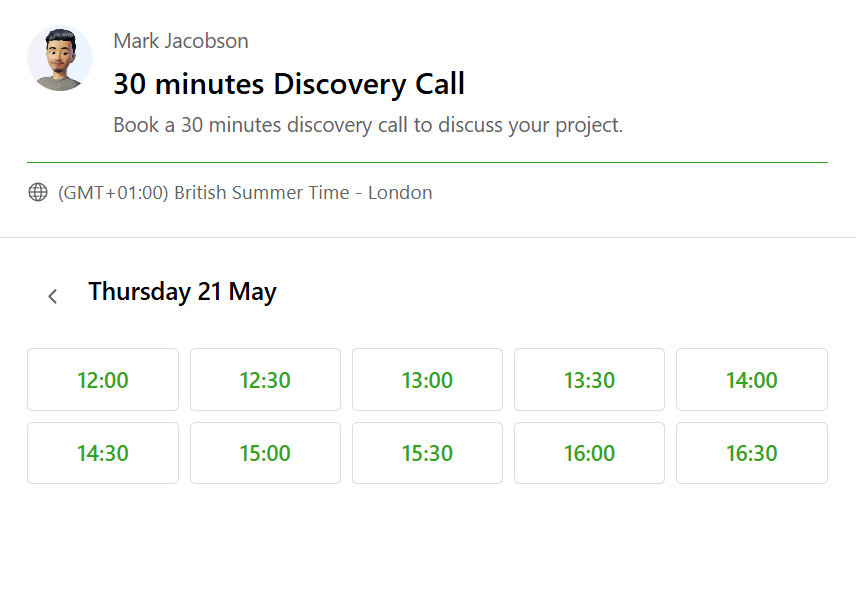
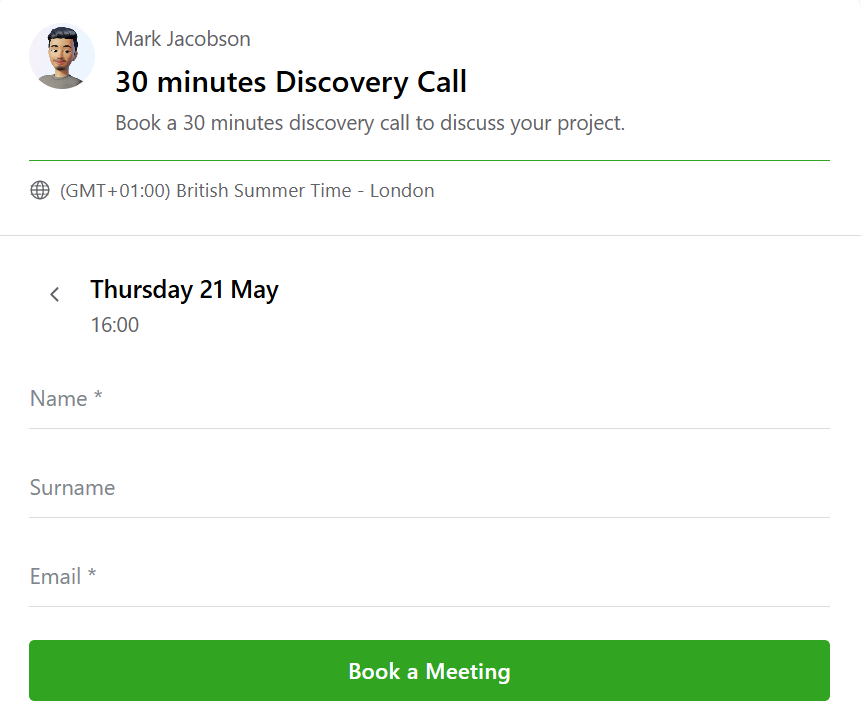
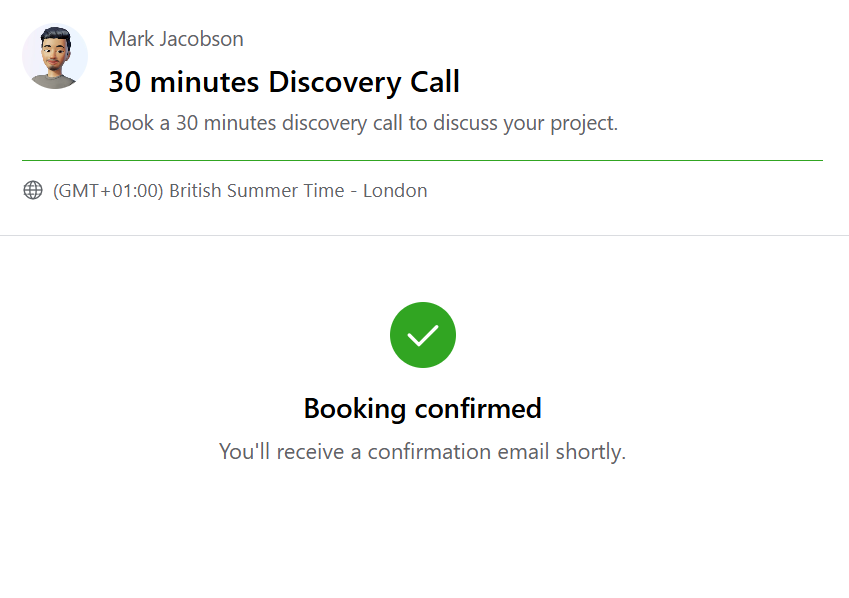
The widget sits natively inside your page with your fonts and colors. Clients see only what they need — a clean, fast booking experience that feels like part of your site.
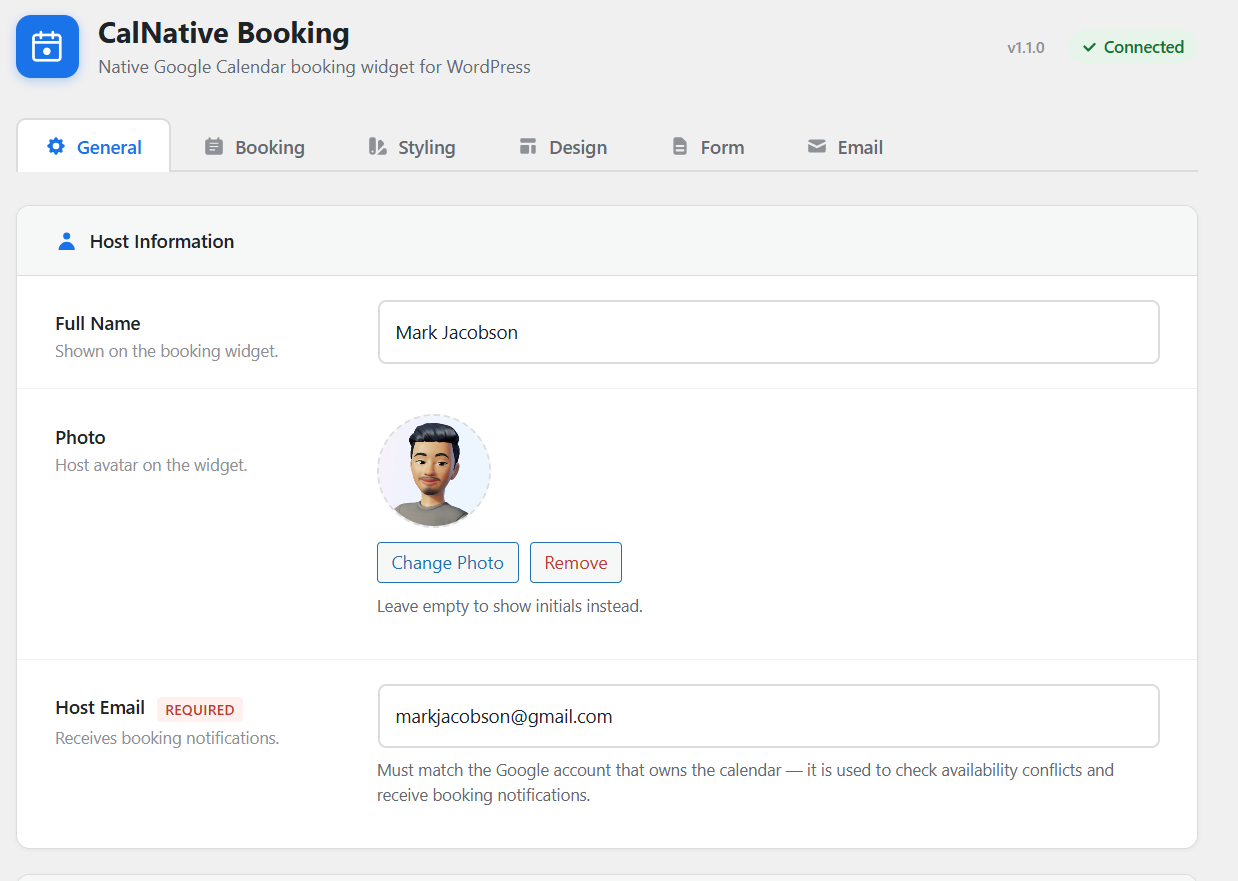
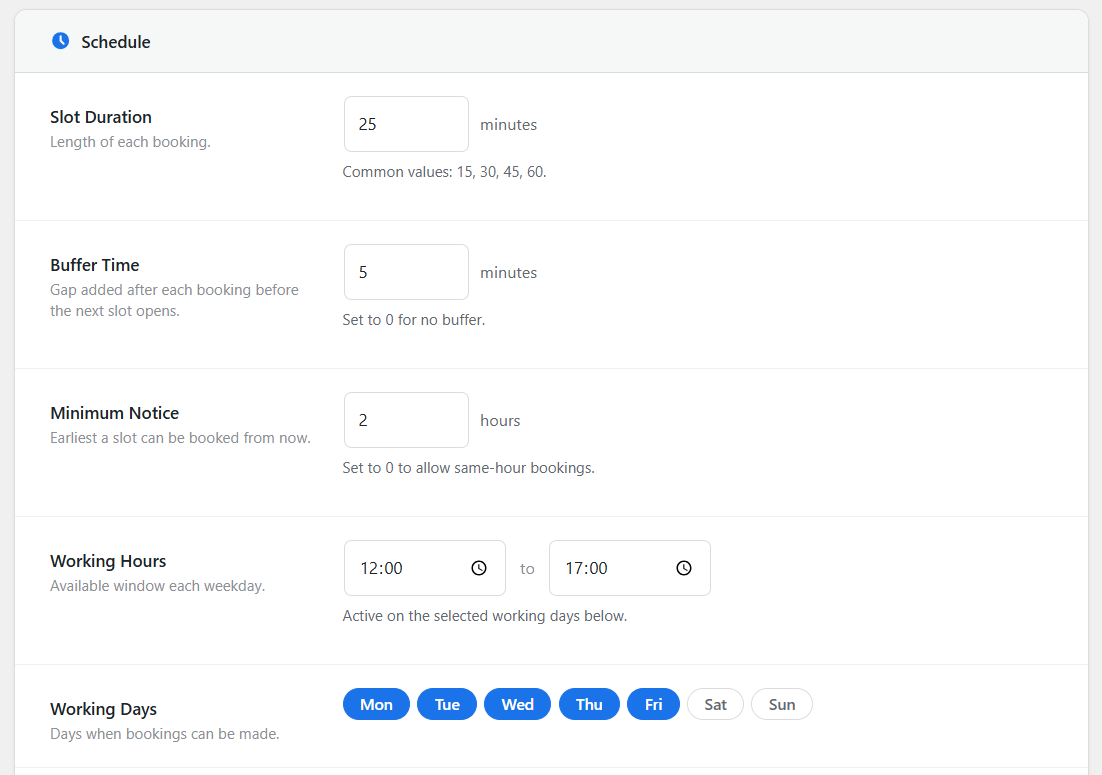
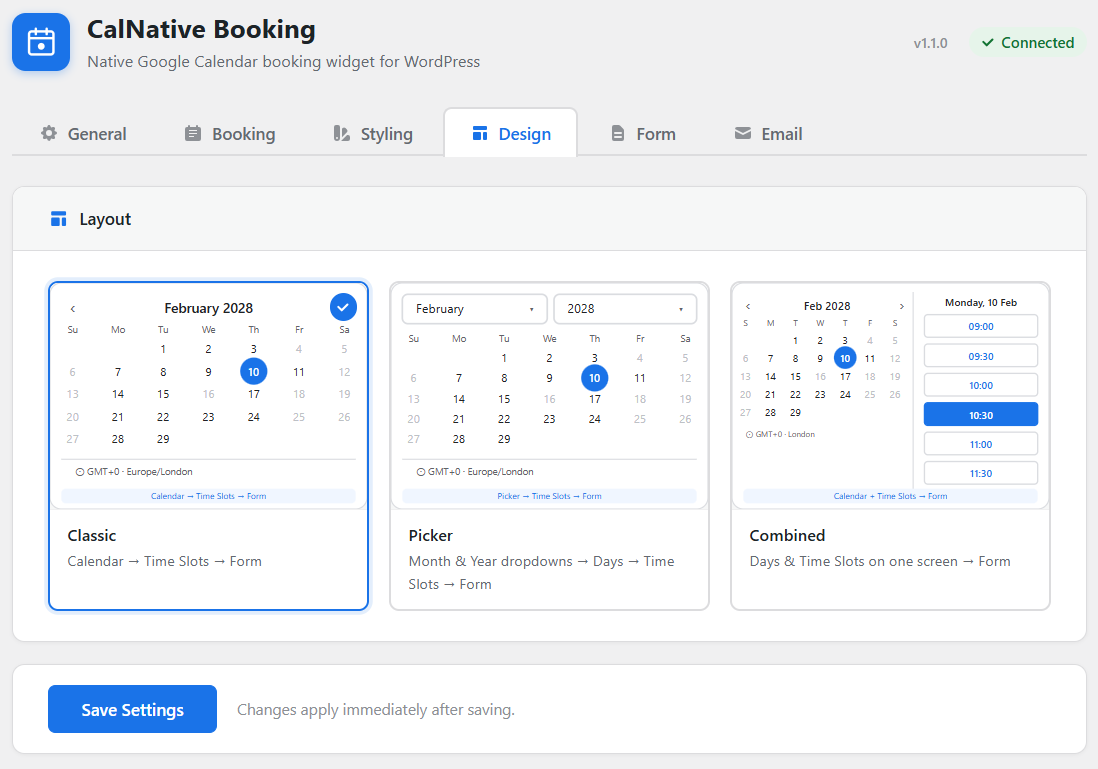
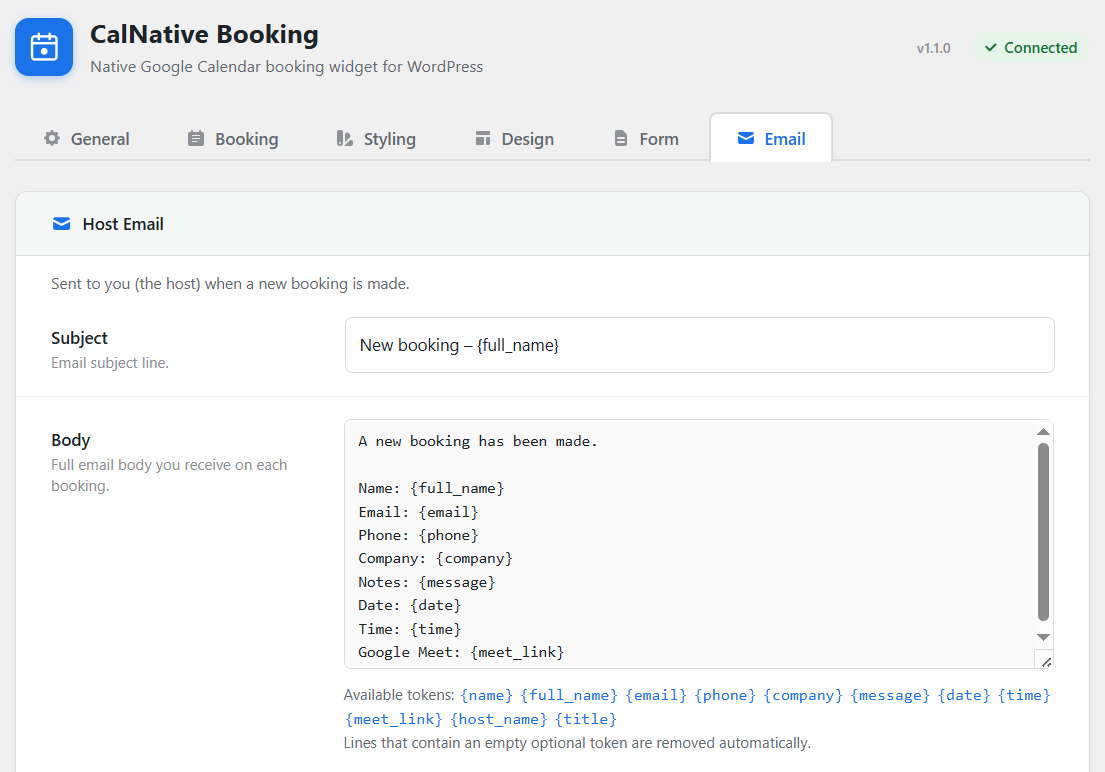
Every aspect of the plugin is managed from a clean settings panel — availability rules, widget appearance, form fields, email templates and layout.
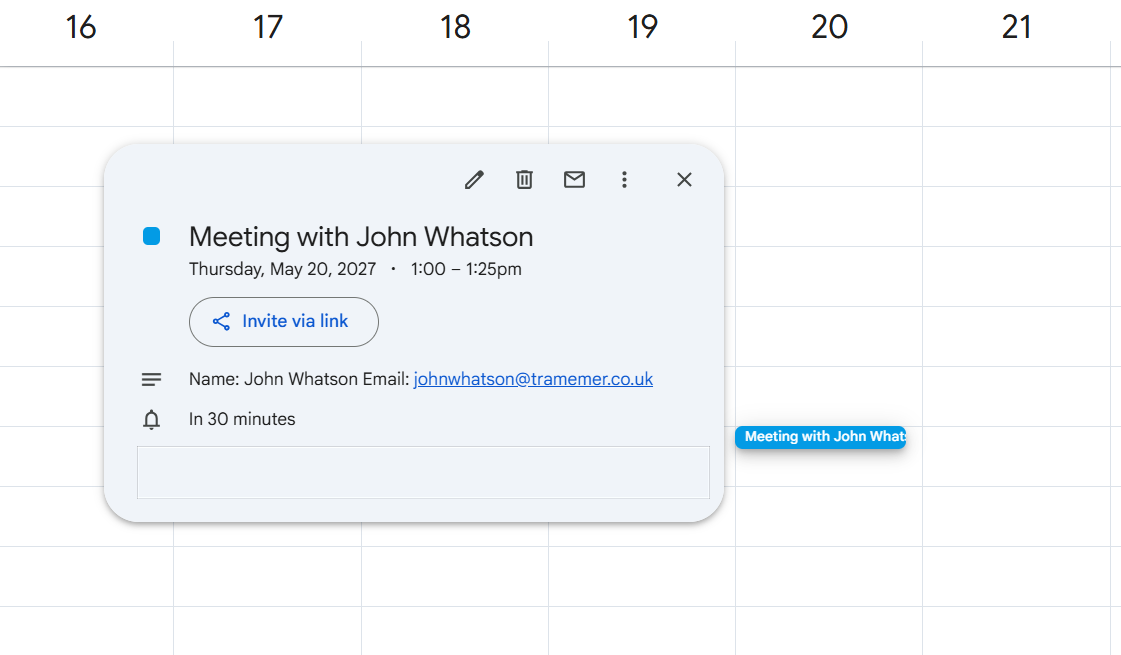
When a client books, a full calendar event is created in your Google Calendar automatically — name, email and any notes included.
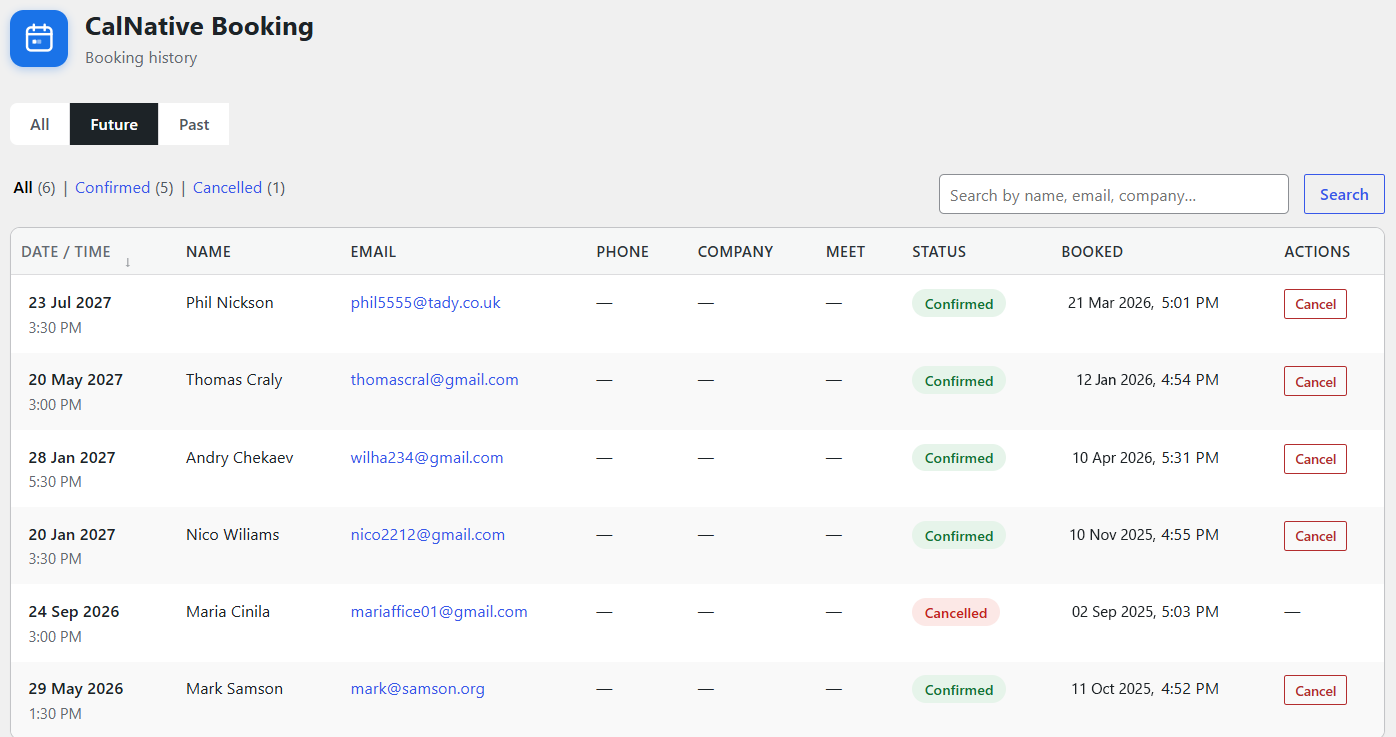
All bookings are also logged in your dashboard — searchable, filterable and always accessible.
The standard Google Calendar embed is an iframe — a locked box that ignores your fonts, your colors, and your layout. You can resize it. That's it.
CalNative connects to the same calendar via API and renders the booking widget as native HTML inside your page. Every color, font size, corner radius, and width is yours to control. No iframe. No external stylesheet fighting your theme.
Every confirmed booking automatically receives a unique video meeting link — sent to both you and your client. No manual copy-pasting. No forgotten links.
No account. No API key. Each booking gets a unique room link automatically — anyone can join in their browser, no app required. The easiest setup if you don't already have a video platform.
meet.jit.si/your-name-a1b2c3d4
Already have a recurring Google Meet room, a Zoom Personal Meeting Room, or a Microsoft Teams link? Paste it once in settings and every booking sends that same link. Zero extra setup.
Works with Google Meet, Zoom, Teams, and any URL.
Connect your Zoom account via a Server-to-Server OAuth app. Each booking creates a new Zoom meeting with its own unique link — ideal if you run paid sessions where unique join URLs matter.
Requires a Zoom App Marketplace account.
Generate a unique Google Meet link per booking by connecting your own Google account. Works with a personal Gmail account or Google Workspace — full step-by-step instructions are included in the plugin settings.
Uses the Google Cloud project you already have.
All providers are included — switch between them in Settings → Video Meeting at any time. Detailed instructions.
No starter vs. pro tiers. No feature locked behind an upgrade. One license key activates the full plugin on one website.
Secure checkout by Freemius
| CalNative | Google Calendar iframe | Calendly Pro | Amelia Plugin | |
|---|---|---|---|---|
| Price | $39/yr | Free | $240/yr | $179/yr |
| Google Calendar sync | ✓ via API | ✓ iframe only | ✓ | ✗ |
| Fully branded widget | ✓ | ✗ rigid iframe | ✗ subdomain | ✓ |
| Clients stay on your site | ✓ | ✓ | ✗ | ✓ |
| No monthly fee | ✓ | ✓ | ✗ | ✗ |
| Admin dashboard | ✓ | ✗ | ✗ | ✓ |
| Simple setup | ✓ | ✓ | ✓ | ✗ |
I already had Google Calendar — I just needed a booking page that didn't look like I'd given up on design. CalNative connected to my existing calendar in ten minutes and the widget matches my site perfectly.
The fact that bookings land directly in my Google Calendar was the deciding factor. I don't have to check two places — it's all there with my other events.
I was paying $20/month for a SaaS scheduler. CalNative does everything I actually used — Google Calendar sync, a branded booking page, email confirmations — for $39 a year.
CalNative Booking was built to solve one specific problem: Google Calendar is already the tool most small service businesses use to manage their schedule, but putting a booking page on a WordPress site meant choosing between an ugly iframe or an expensive monthly subscription.
CalNative takes the data you already have in Google Calendar and wraps it in a booking experience that looks and feels like part of your site.
This is an independent plugin, not a venture-backed product with a growth team. Support requests are answered personally.

$39 for a full year. Connects to your existing Google Calendar. A booking widget that looks like part of your site — not a gray iframe or a subdomain redirect. 30-day money-back.
Still have questions? Contact us